KeyTu
Designing an AI-enabled planning app to support children through key life moments
- Role: Lead Product Designer
- Year: 2025
Problem & Goal
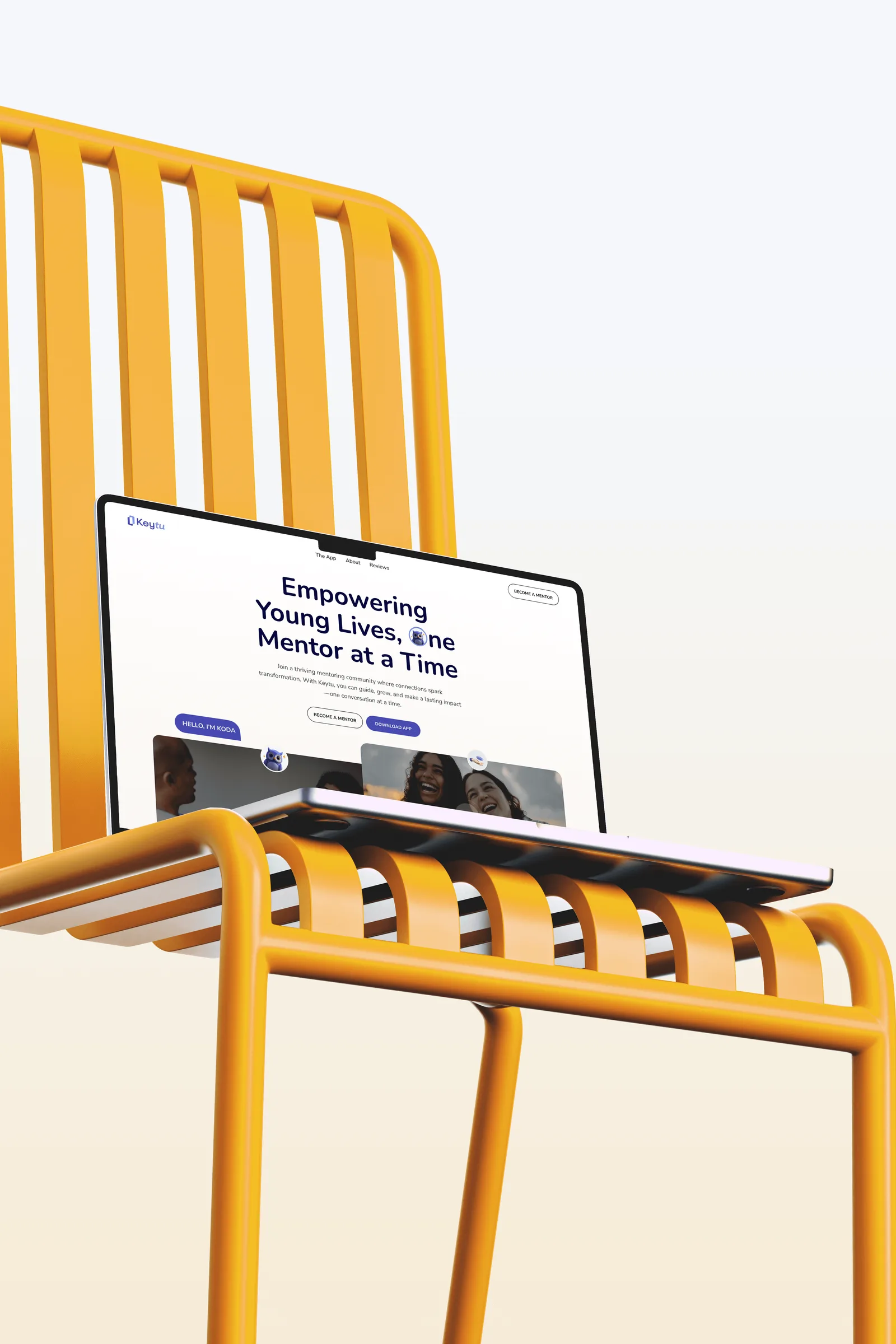
KeyTu began as a text-based mentoring product designed to support children in planning, organising, and navigating key moments in their lives. While effective in concept, the format limited accessibility, scalability, and day-to-day usefulness for young users.
The challenge was to transform this content into a digital platform that felt intuitive, supportive, and age-appropriate, while balancing the needs of children, mentors, and stakeholders across a wide range of use cases.
Approach
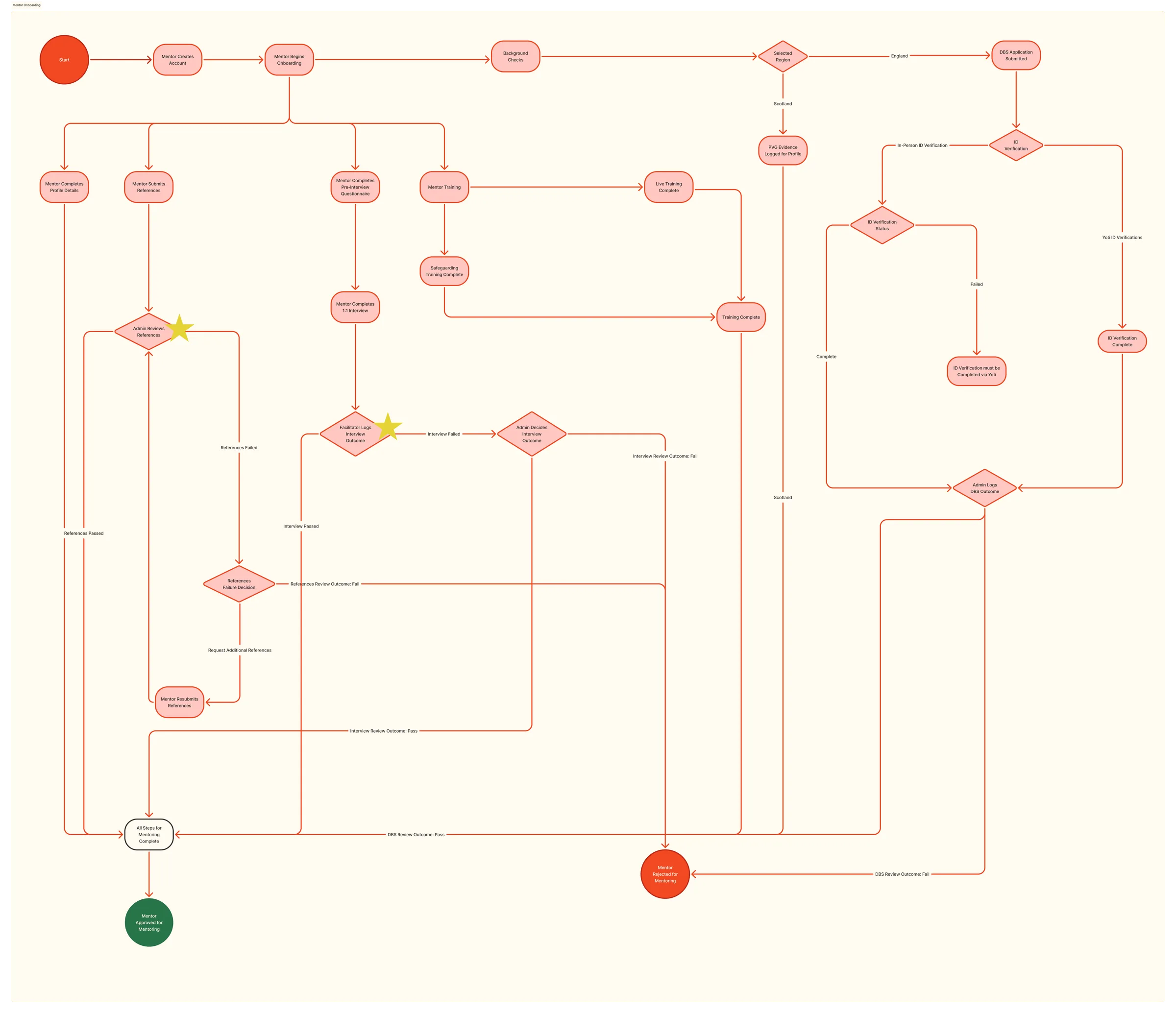
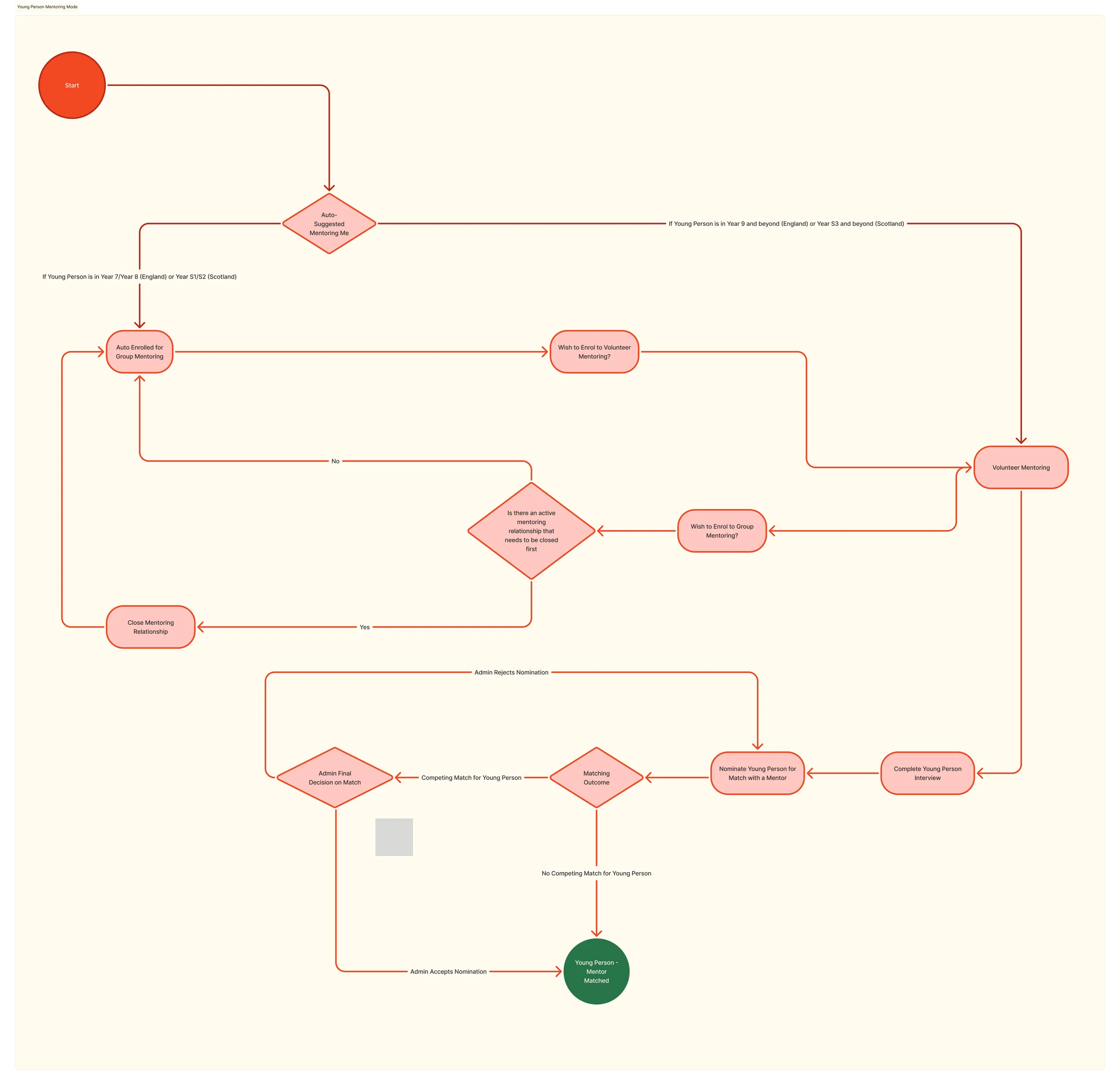
KeyTu was an unusually in-depth and long-running project, shaped by continuous research and iteration rather than a traditional MVP launch-and-learn model. My role was to lead UX, UI, and design systems, translating early brand guidelines and written content into a cohesive, scalable digital experience.
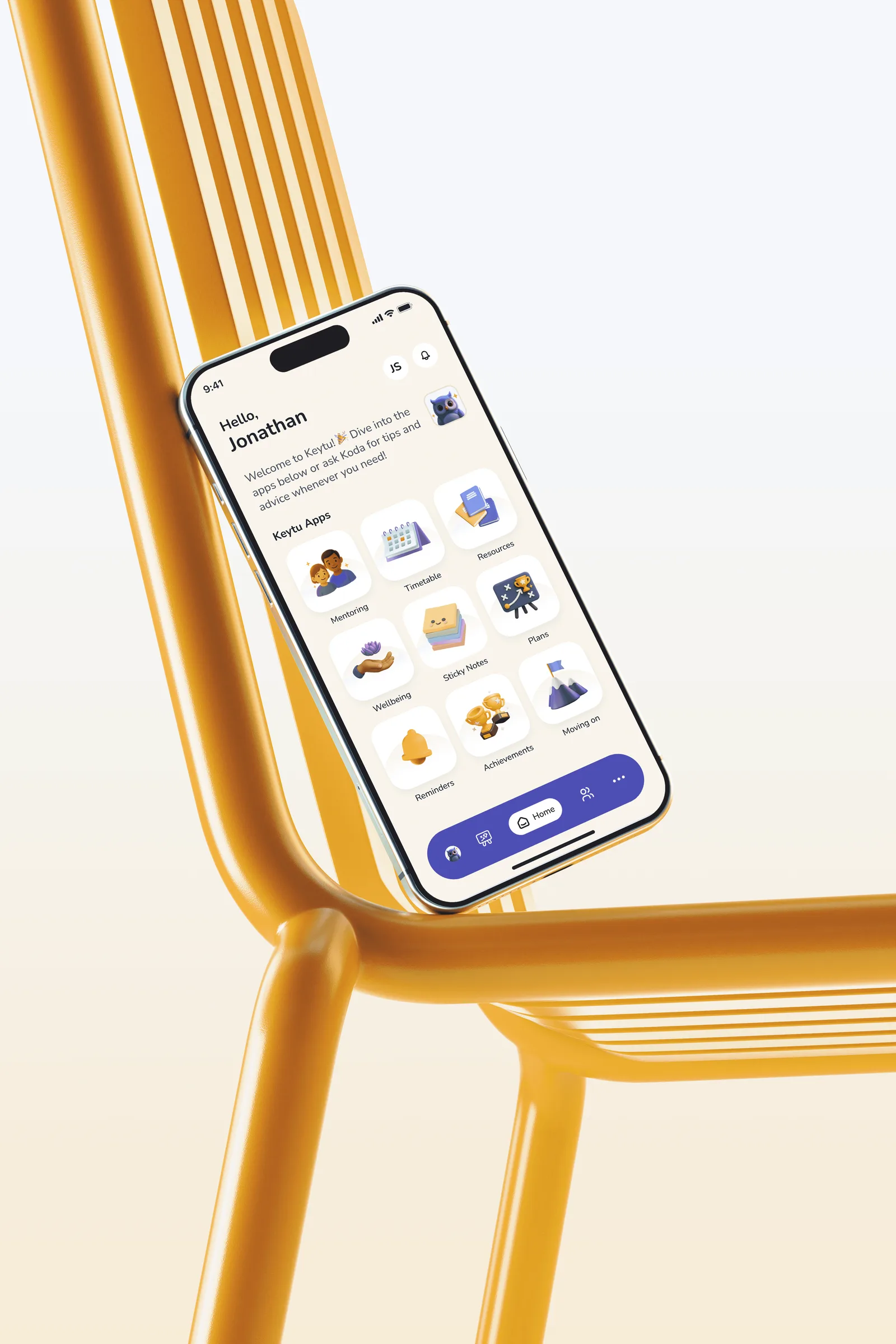
Given the sensitivity of the audience and the breadth of functionality, with ten distinct features within a single app, the approach focused on designing for readiness rather than speed. Extensive user research and interviews informed decisions around structure, language, and interaction patterns, with regular stakeholder collaboration guiding scope and prioritisation.
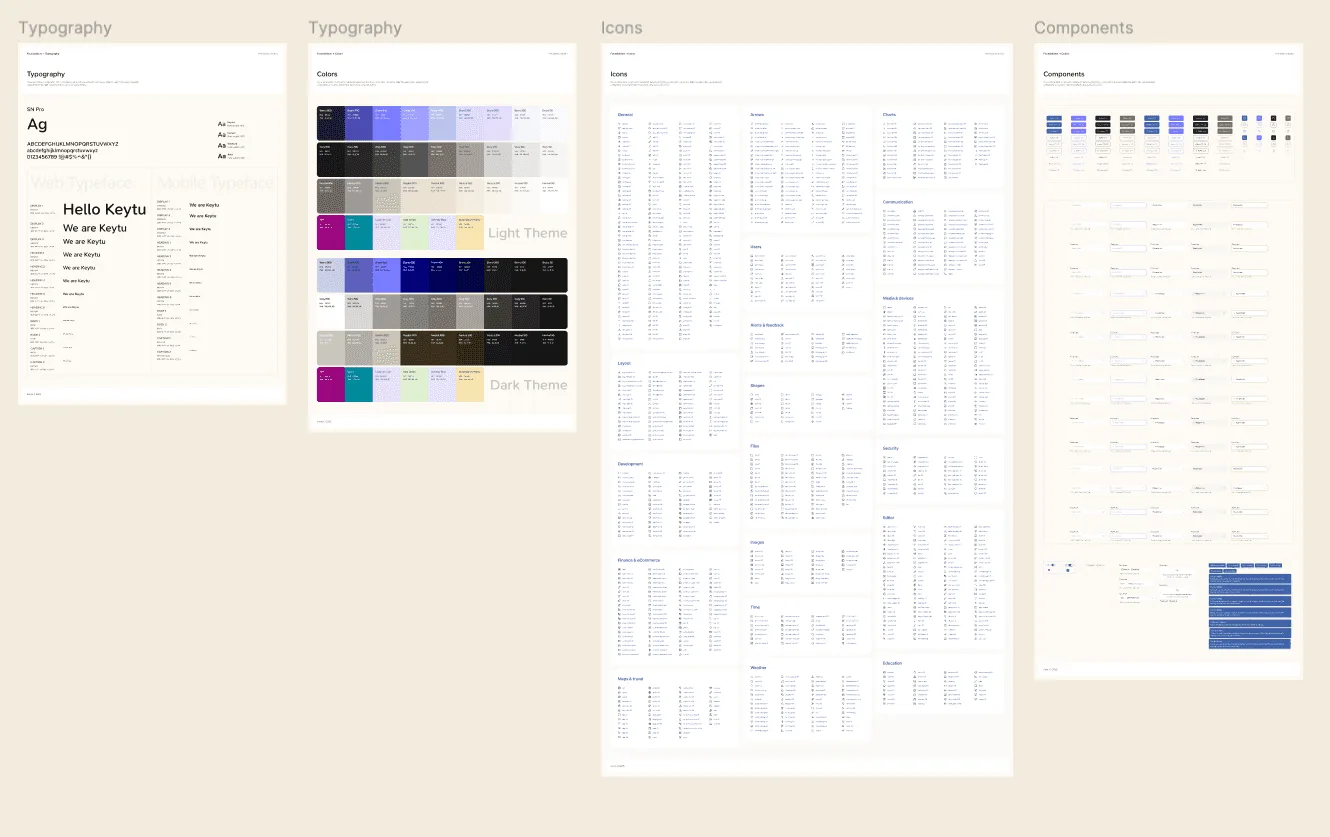
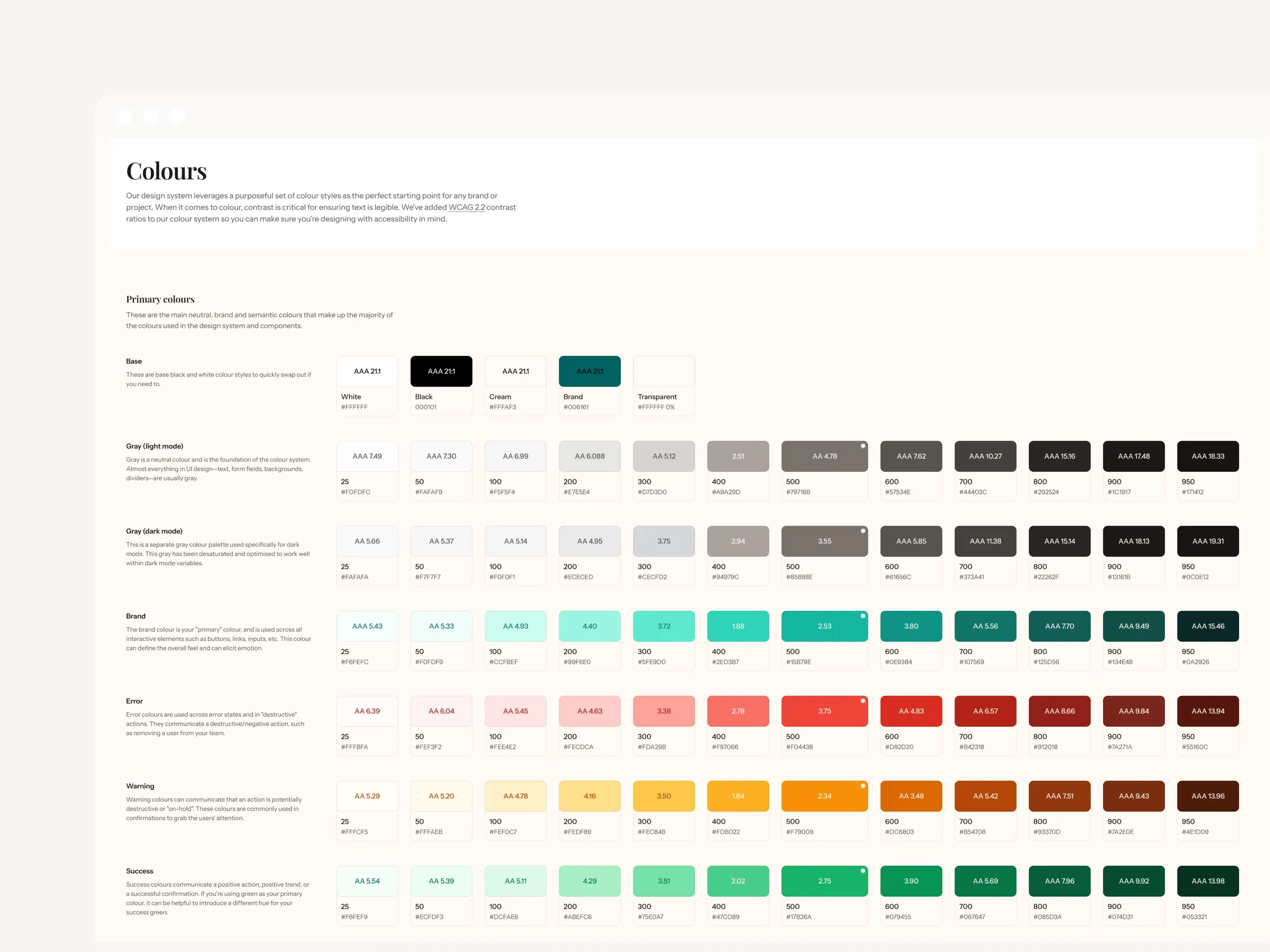
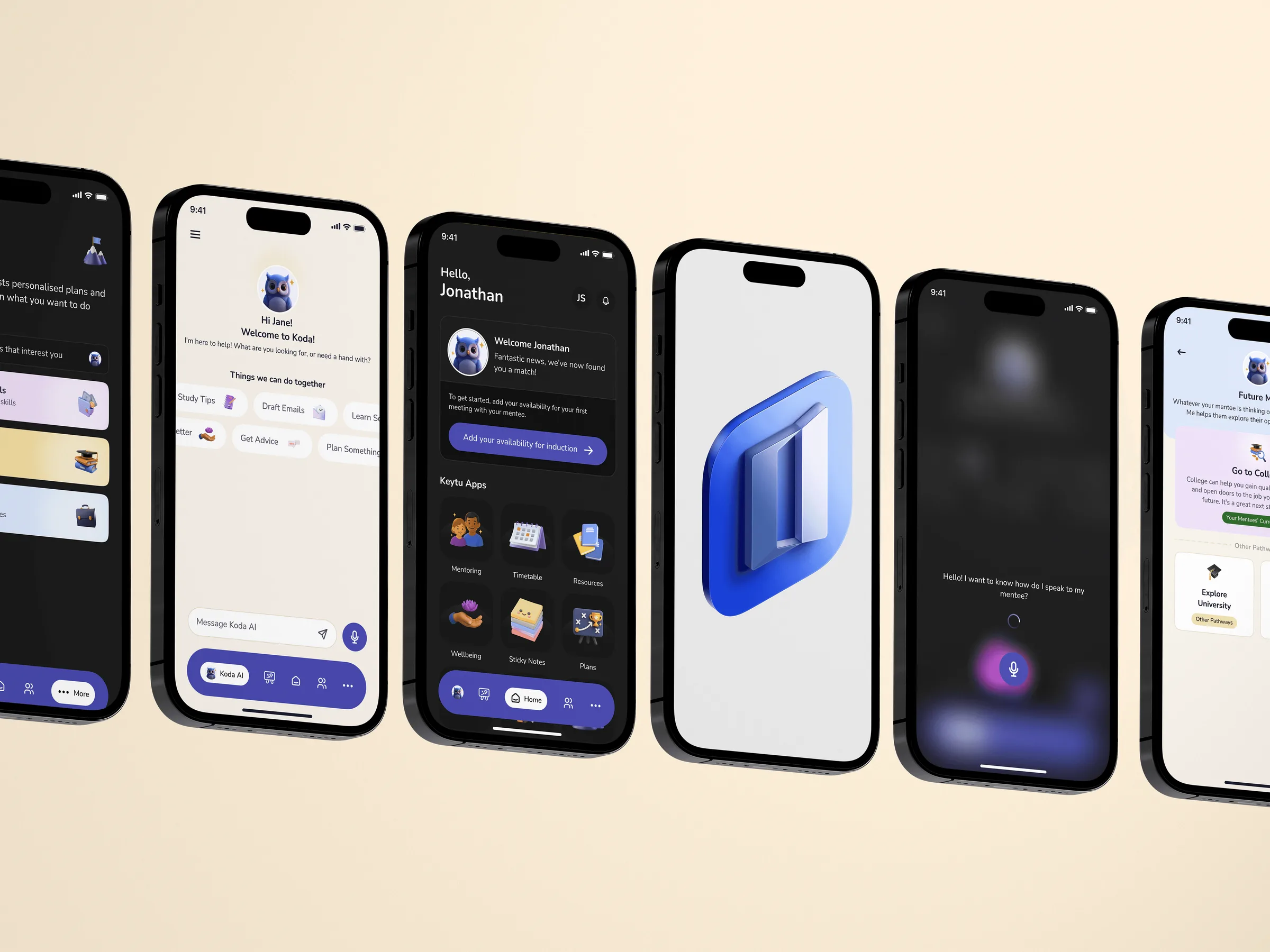
I established the design system aligned to the evolving brand, led the core UX and UI design, and supported junior designers contributing to specific screens. Light and dark modes were designed in parallel to ensure accessibility and long-term flexibility ahead of launch.
Solution Highlights
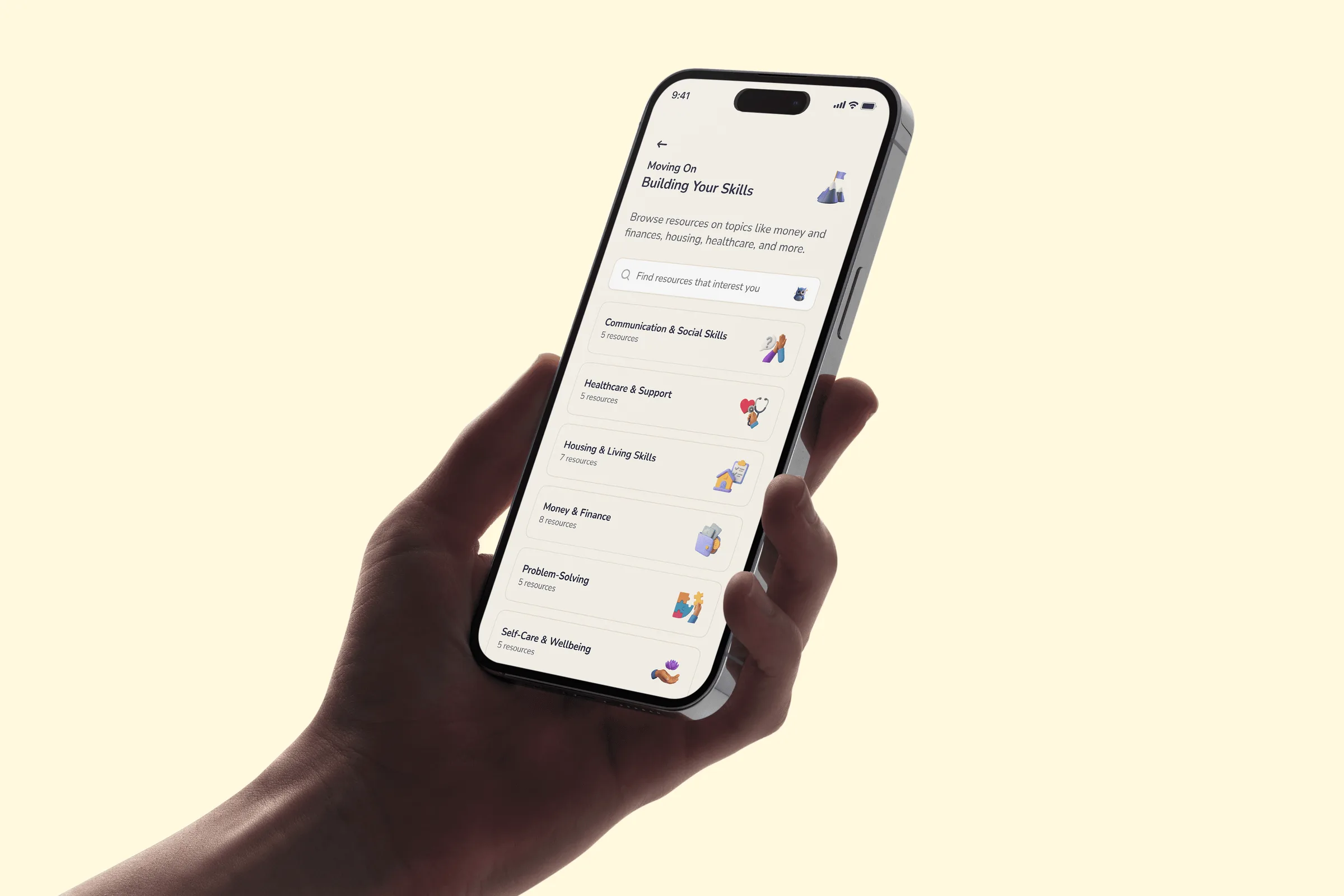
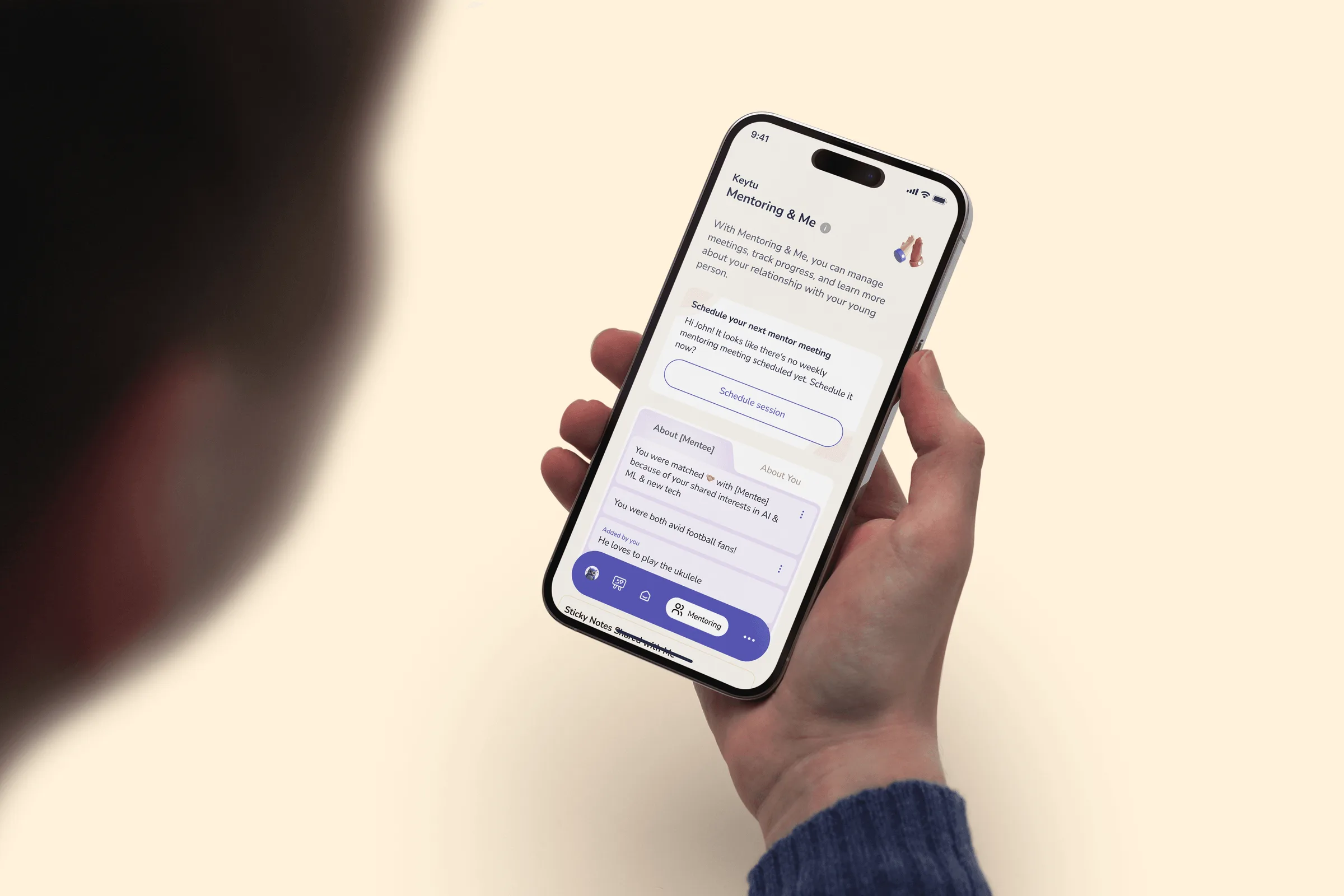
- Designed a unified platform incorporating ten distinct features into a single, cohesive experience
- Translated written mentoring frameworks into intuitive, age-appropriate digital flows
- Built a scalable design system aligned to evolving brand guidelines
- Designed light and dark modes with accessibility and comfort in mind
- Led UX and UI across the platform while supporting junior designers through delivery
Outcome & Impact
The project resulted in a fully designed, research-validated platform scheduled for launch in September, aligned with academic cycles and key business considerations.
Ongoing collaboration with young users and mentors shaped a product that feels supportive, intuitive, and ready for real-world use from day one. The extended iterative approach reduced risk ahead of launch and ensured the platform could scale as new features and insights emerge post-release.